
AV Go
One link. The right asset.
Straight into Asset Vision
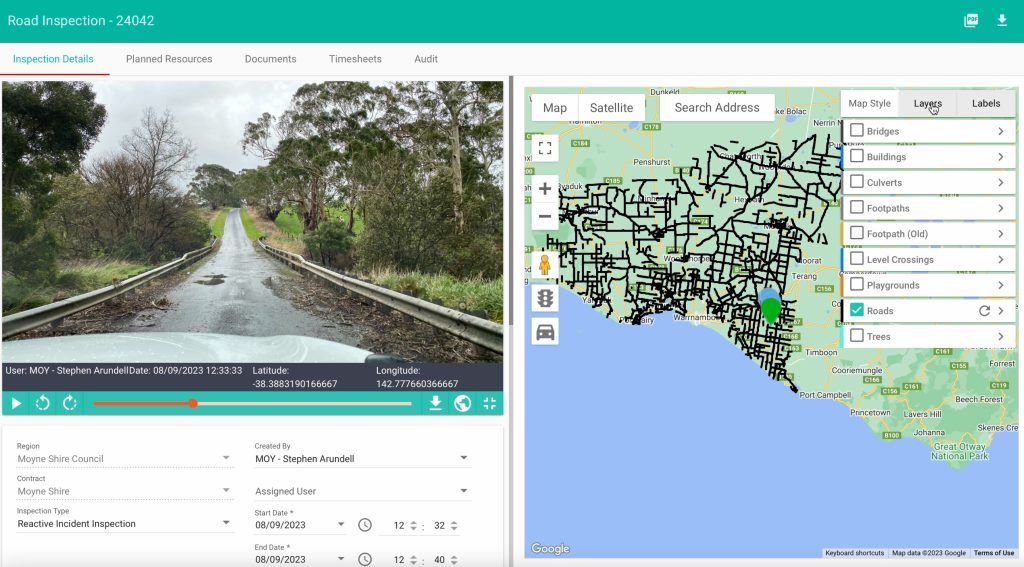
A SIMPLE MOBILE ENTRY POINT INTO ASSET VISION
Give community members, customers, site teams and contractors a simple way to report an issue or complete defined work. No app download or full Asset Vision account required.
Browser-based
No app download
No full AV acc
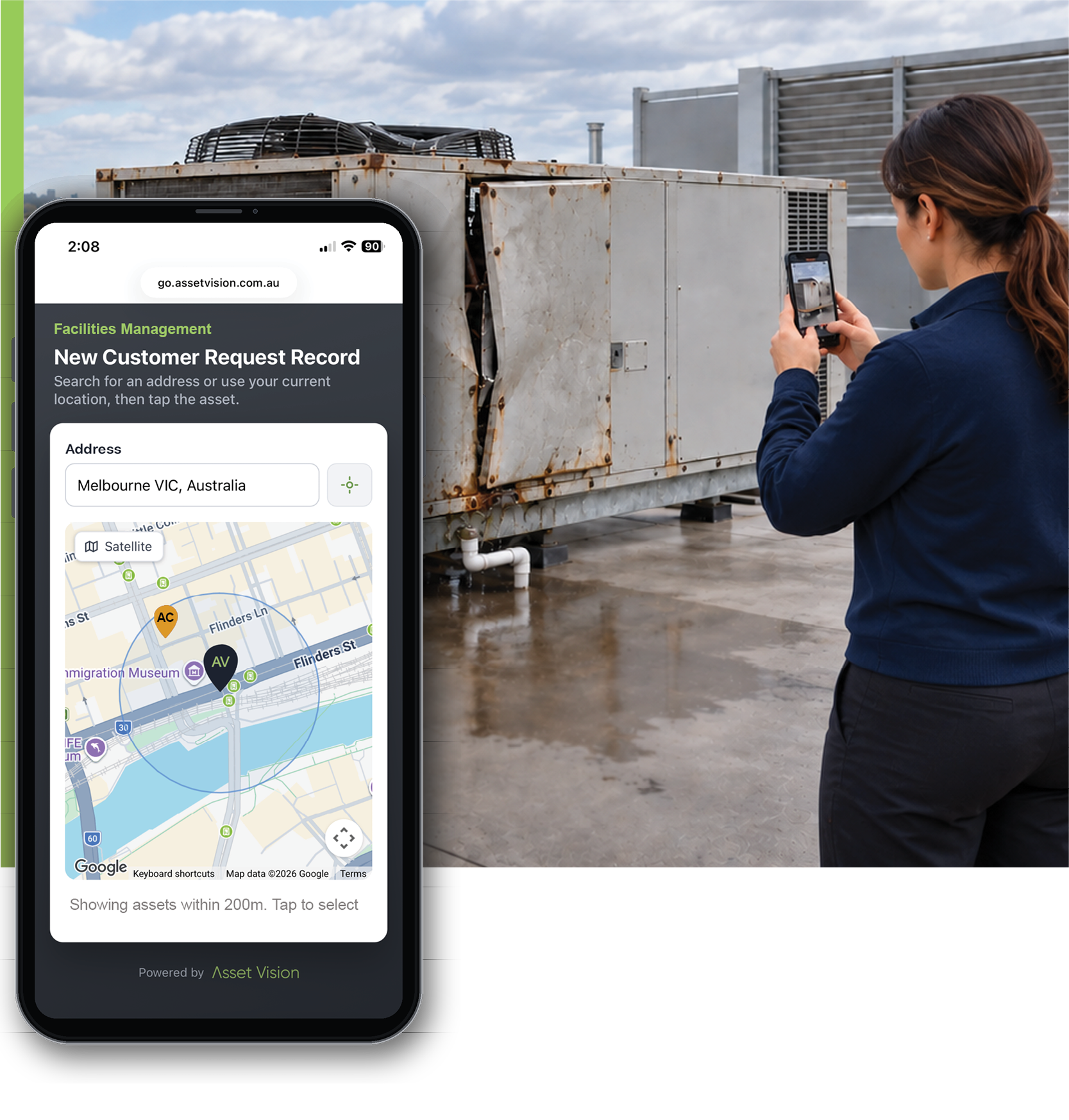
The people outside your system still have something to tell you
Residents see damage. Contractors finish jobs. Site teams complete checks. The information often arrives through channels that strip away the asset, contract, evidence and next step.
Phone calls and messages
Emails and attachments
Paper forms and re-entry
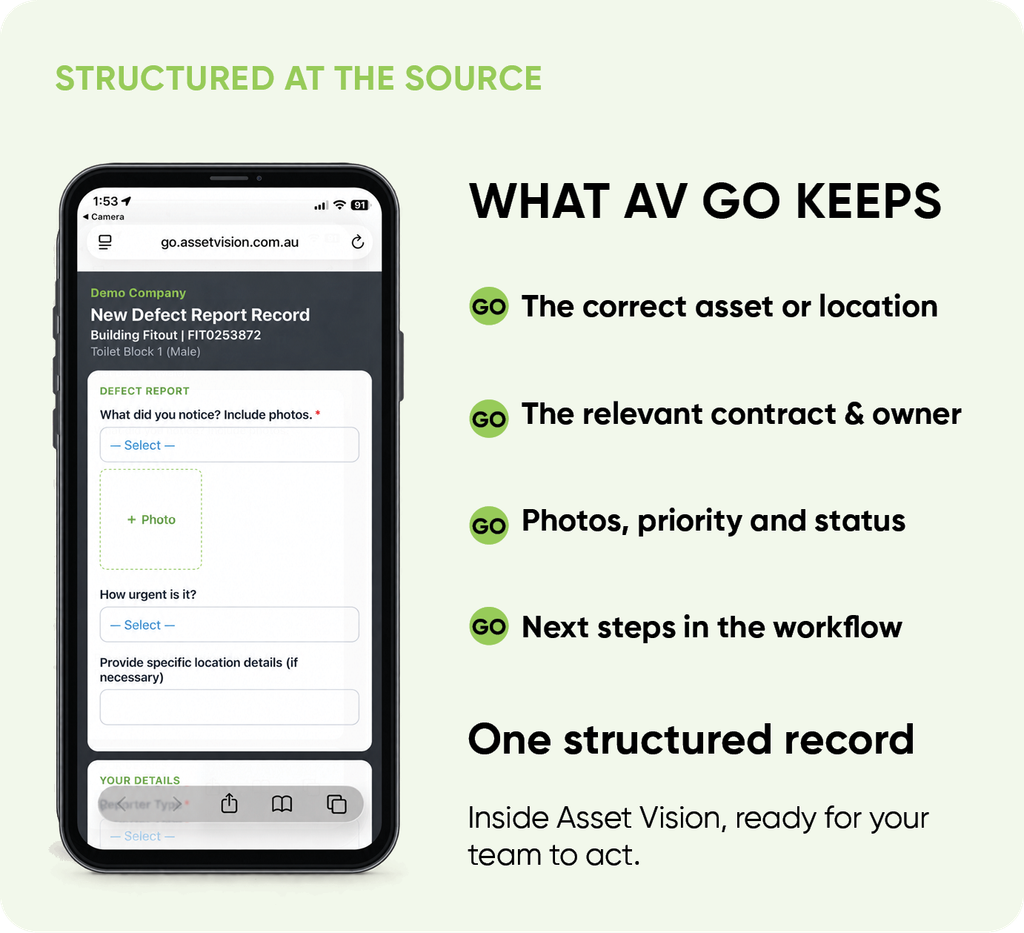
HOW AV GO WORKS
One short journey, four operational steps

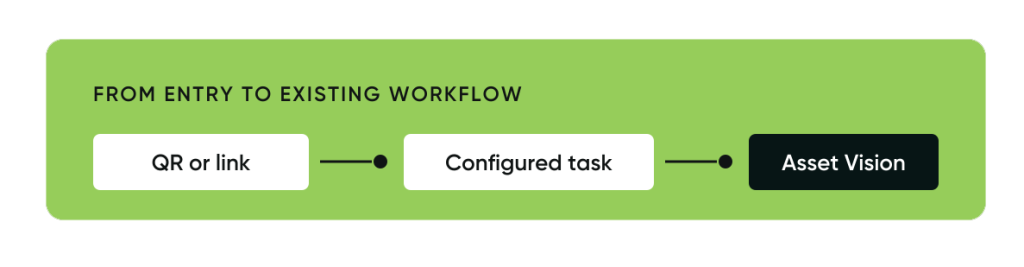
Scan or open
Use a QR code or open a shared link.
Find the context
Go to an asset, browse a site, choose on a map or open a form
Record or complete
Enter the required details and add evidence.
Ready for action
The record lands in Asset Vision at the correct workflow status.
Two ways to use AV Go
The entry mechanism is shared. The operational outcome is different.
REport and record
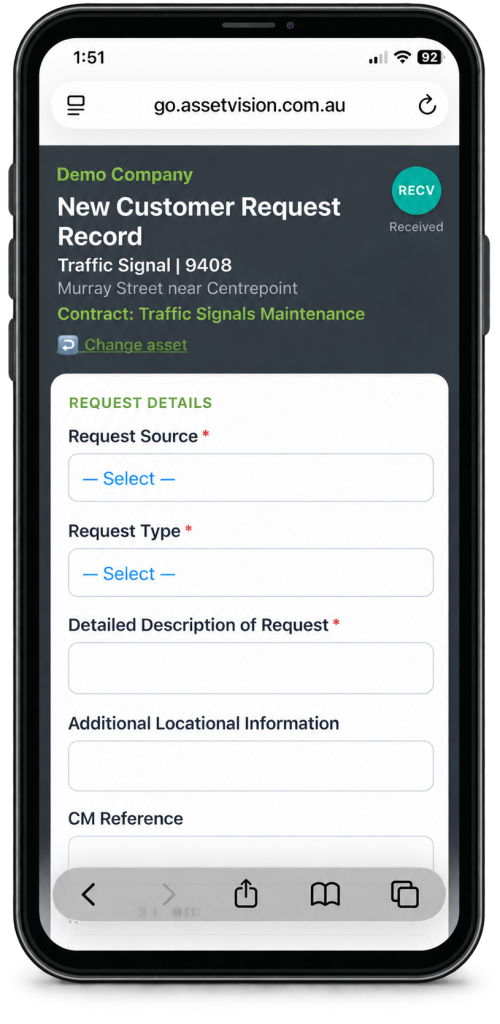
For customer requests, defects, inspections, incidents and daily checks.
- Creates a new structured submission
- Links the record to the relevant asset and contract
- Captures photographs and configured details at the source
A person records what they found. Asset Vision creates the configured record in the right context.
Complete assigned work
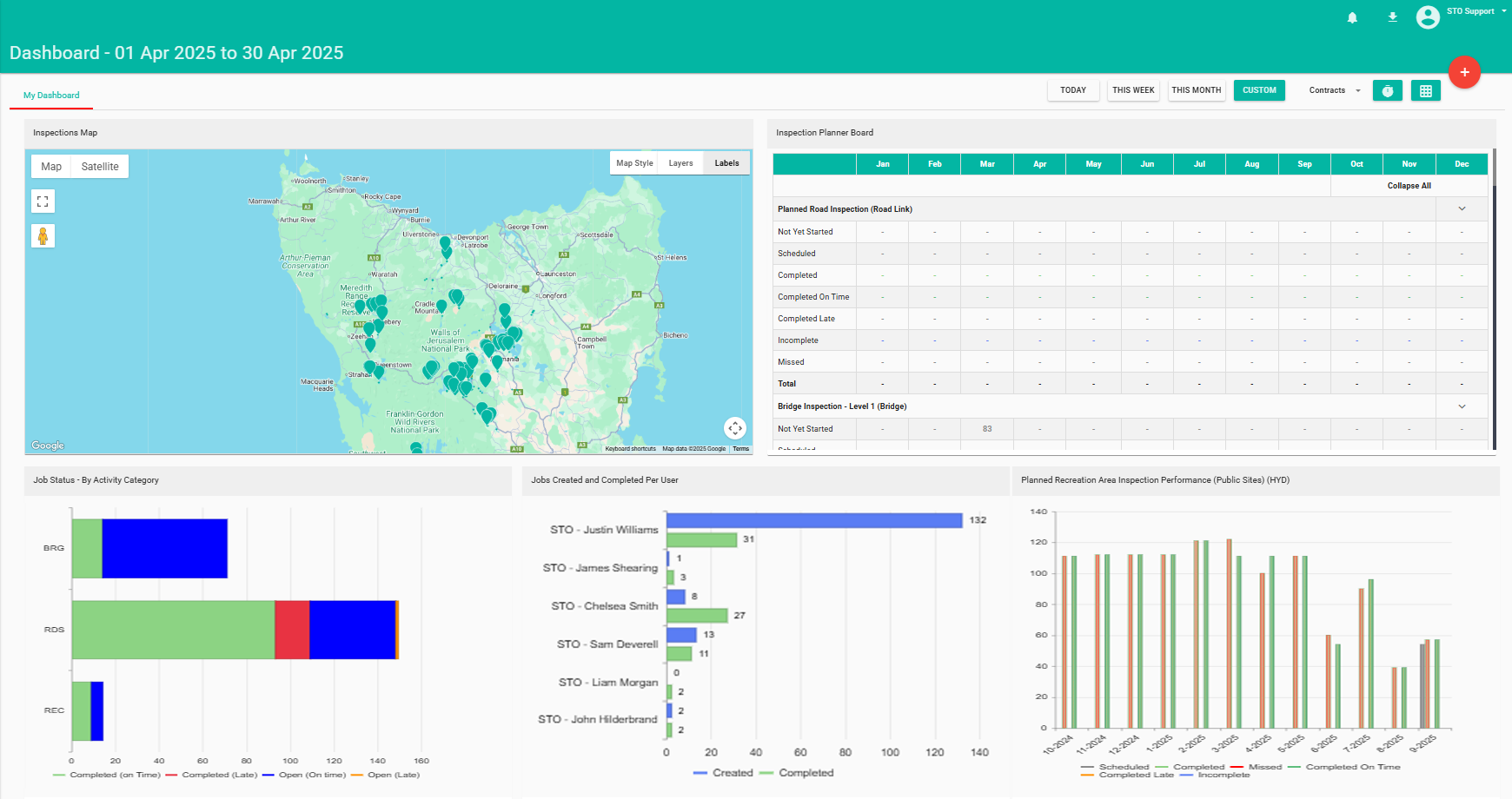
For contractors and delivery partners completing work already scheduled in Asset Vision.
- Opens the relevant job from a link
- Records progress or completion evidence
- Supports configured fields, timesheets, signatures & client review
Your team acts in Asset Vision, not a separate inbox
AV Go uses your configured fields, terminology, asset context and workflow. The record arrives where the work is managed.
The correct asset or location
Context stays attached to the submission.
Your configured fields and terminology
Mandatory rules improve completeness.
Evidence captured at the source
Photos, signatures and job details stay with the record.
The right contract and workflow status
Your team can review or act inside Asset Vision.
Where AV Go fits
Councils and community reporting
Roads, paths, drainage, playgrounds, street furniture and local requests.

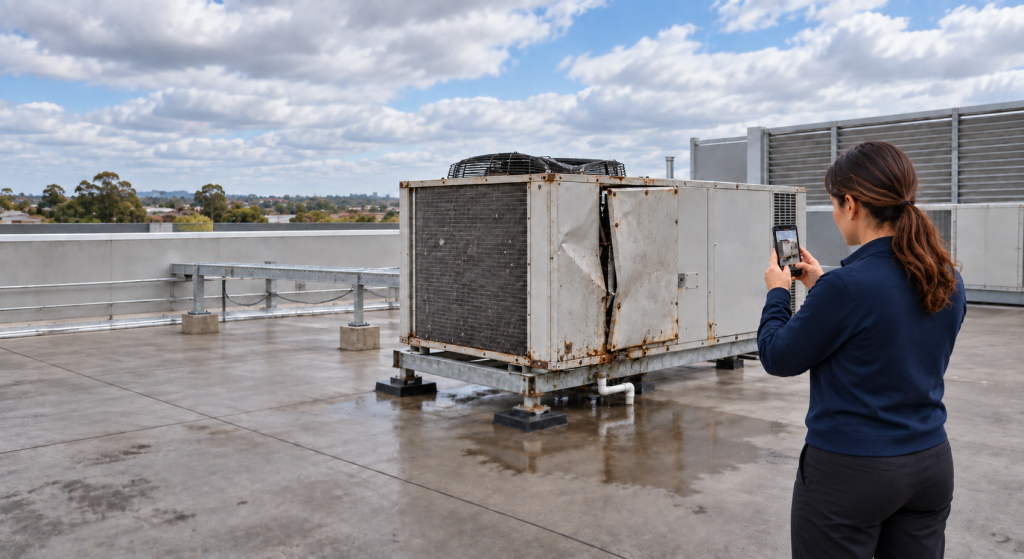
Facilities and social infrastructure
Buildings, rooms, equipment, property inspections and site checks.
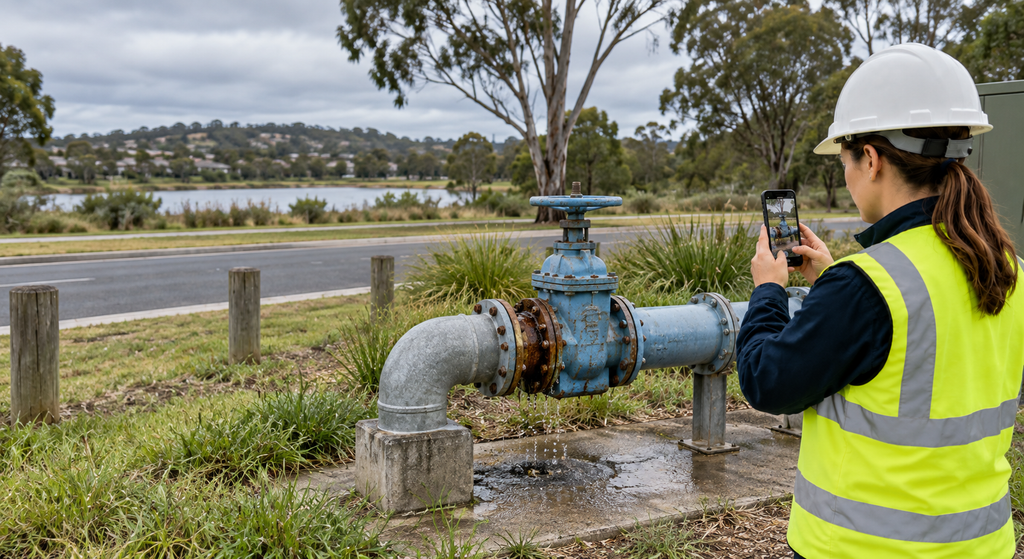
Transport and utilities management
Location-based reporting across linear assets and dispersed networks.

Contracted works
Job completion with configured fields, photos, timesheets, signatures and review.
The entry point starts with what the person already knows
When the person is standing there, what do they know?
AV Go begins with the clearest context available.
DIRECT TO THE ASSET
A QR code or link opens with the asset already selected.
START FROM A SITE
Browse a familiar building, level, room or asset structure.
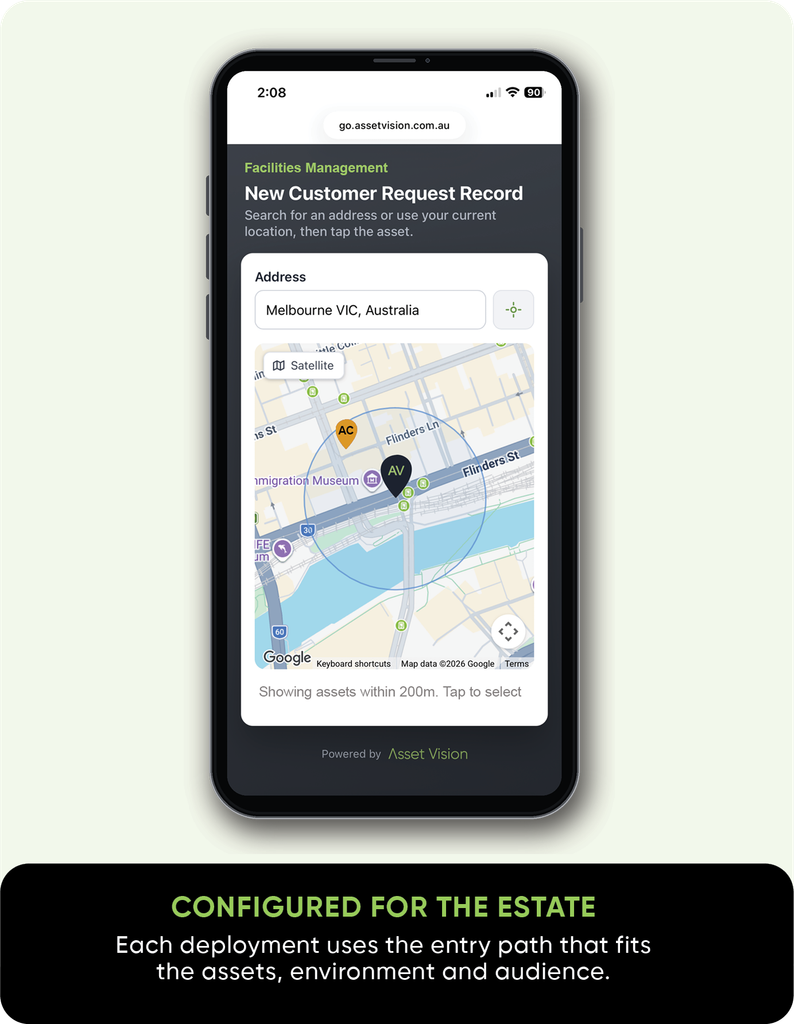
CHOOSE ON A MAP
Use an address or current location, or select a nearby mapped asset.
OPEN THE RIGHT FORM
Use a link where the form provides the context and no asset is required.
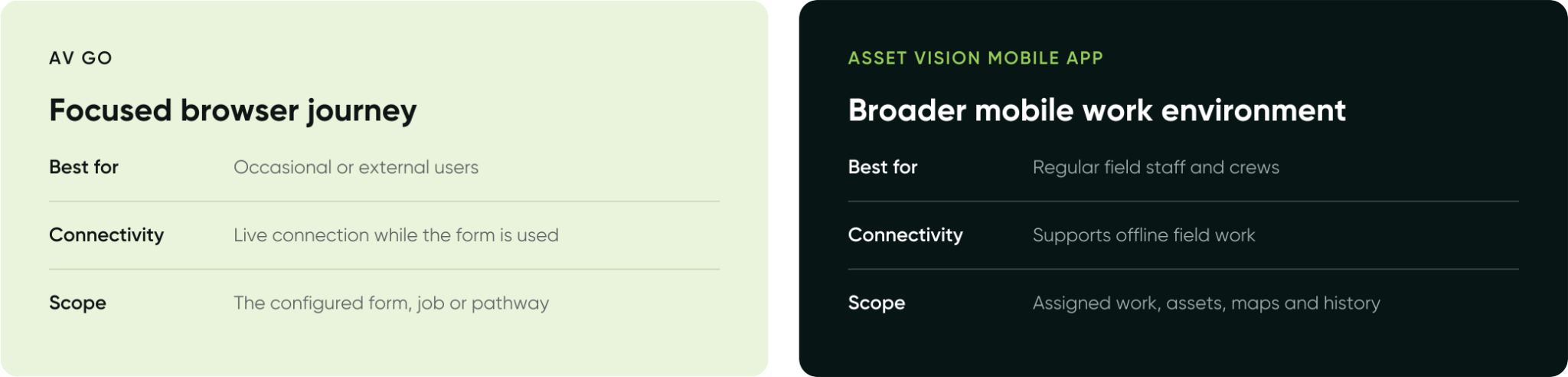
CHOOSE THE RIGHT FIELD EXPERIENCE
Focused access when a full mobile app is not required
Both connect field activity to Asset Vision. They serve different users and working conditions.
Our Clients


Bring one workflow.
See how AV Go fits.
We will show how the person enters, how the asset is identified and where the record lands in Asset Vision.