
Local Government
Enterprise asset management for councils
From long-term plans to everyday works.
Connect council asset knowledge, investment decisions and operational delivery.
Bring your teams together around the assets and services your community relies on.
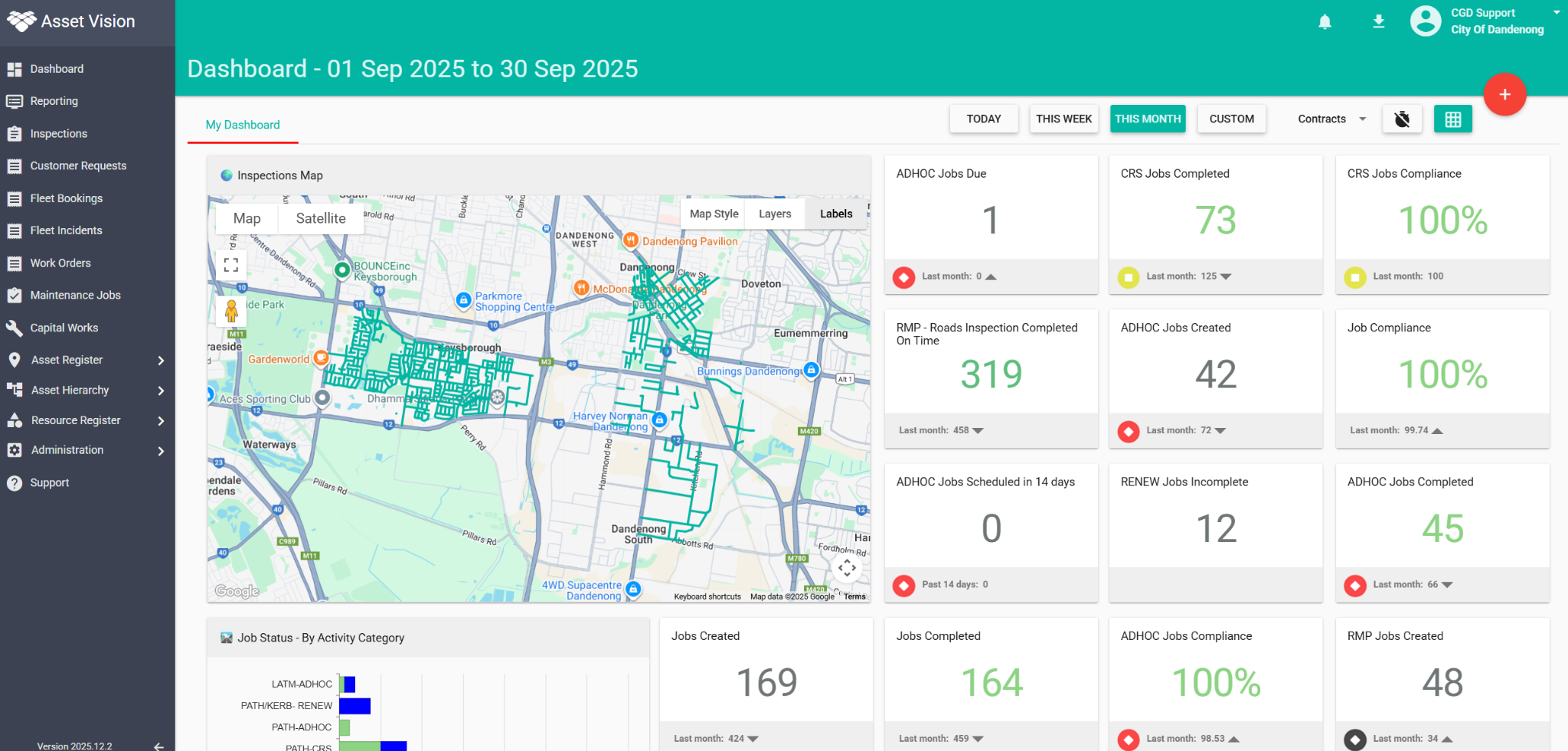
Trusted by councils across Australia








- Understand
your assets - Prioritise
investment - Deliver
works - Improve
decisions
One connected asset lifecycle
The whole lifecycle. A clearer view.
Understand
Bring together asset information, condition and context.
Plan
Develop and compare options to prioritise investment.
Deliver
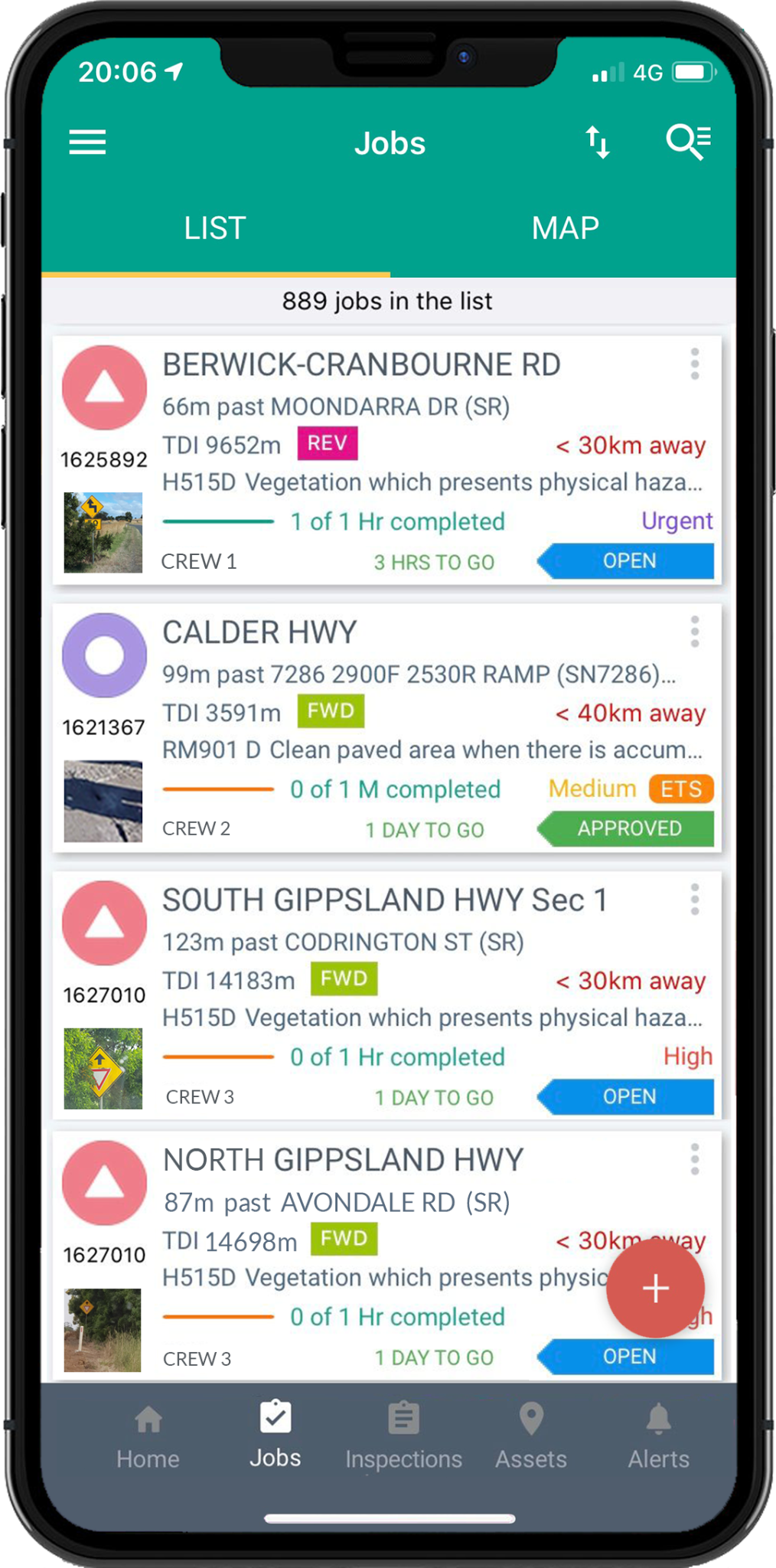
Assign work, provide field access and capture progress.
Maintain
Keep assets safe, serviceable and in good condition.
Improve
Measure outcomes and refine the next plan.
Know what you have.
Plan what comes next.
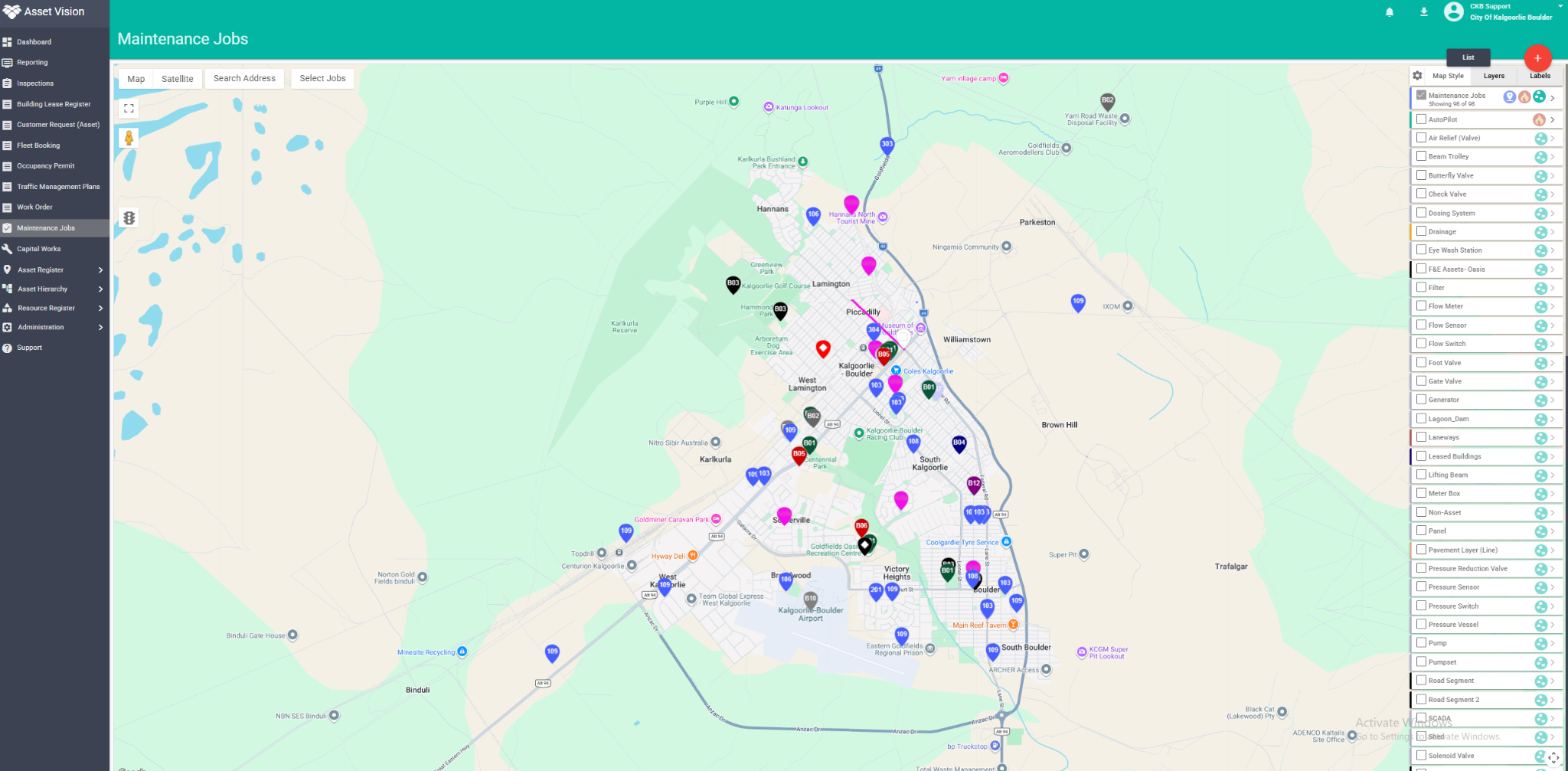
Unify spatial, condition and lifecycle information to inform confident, long-term plans.
Give asset managers, engineers and finance teams a shared view of your network, from roads and drainage to buildings, parks and community facilities.
Connect planned works
with field delivery.
Give your teams the information they need to do the right work, in the right place.
Connect inspections, maintenance and capital works with the asset record, so office and field teams can follow the same work from assignment to completion.

Inspect
Access asset information, record condition and capture photos.
Assign
Allocate work, share updates and give field teams mobile access.
Complete
Record completed work, update asset history and close the loop.
Practical innovation for council teams
Capture more. Connect the next step.
Give inspectors, crews and the community practical ways to contribute better information.
AutoPilot
Road and pathway intelligence
See more of your road network.
Capture imagery as you drive. Review potential defects, Ride Quality and visual history to prioritise follow-up.
AV Smart Button
Part of the AutoPilot workflow
Press. Speak. Keep the context.
Record spoken observations during inspections, with photographs and location retained as evidence for review.
AV Go
Browser access for defined tasks
One link. Straight into Asset Vision.
Let residents report issues and contractors complete defined tasks through a mobile browser. No app download required.
Value, report and
strengthen the next plan.
Combine asset condition, maintenance history, valuations and demand information to support smarter investment decisions.
Bring valuation movements, useful life and replacement costs into view, with a history your asset and finance teams can follow.
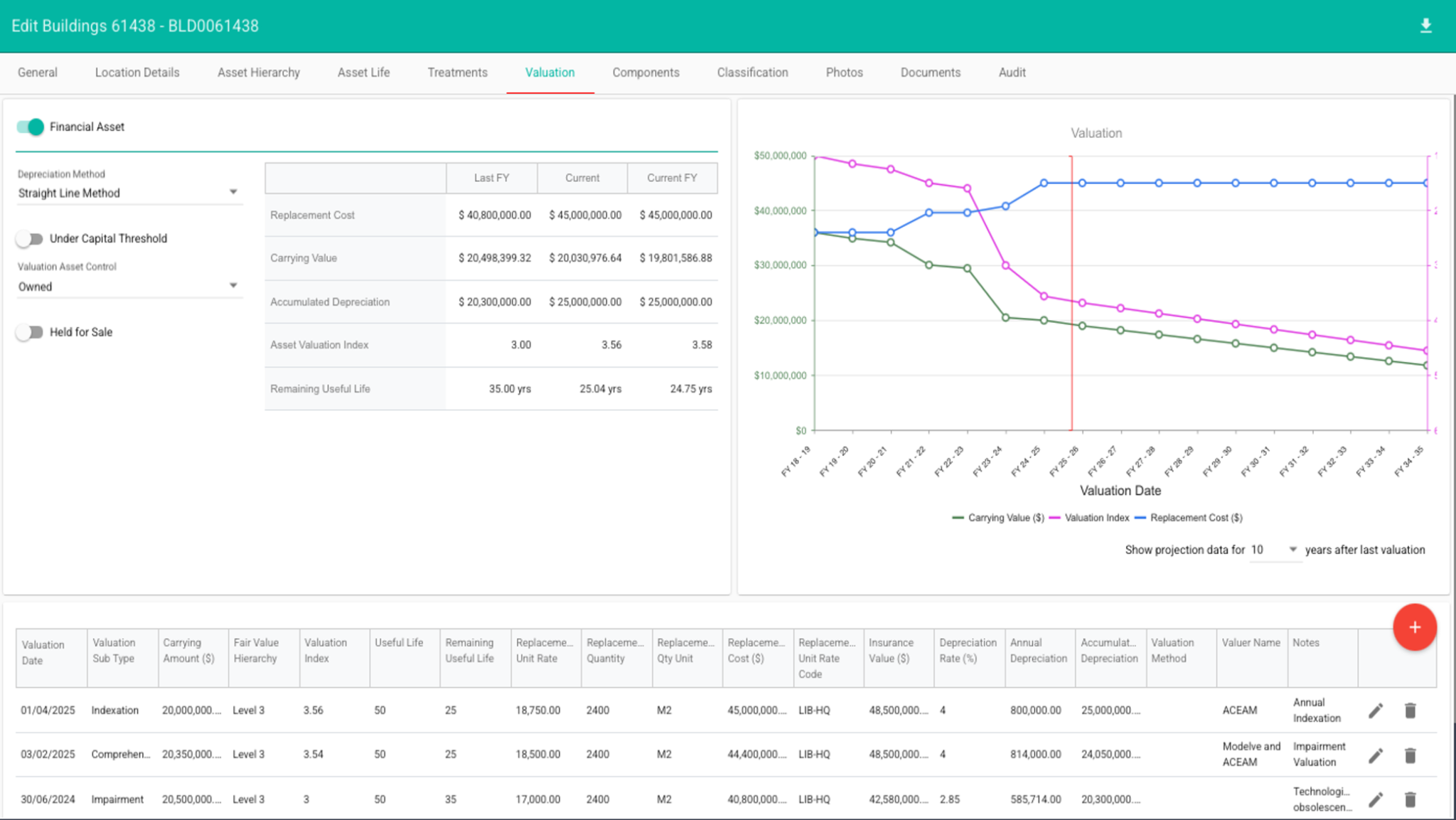
Asset Vision valuation interface
Valuation history and transaction detail
View full interface (opens in a new tab) ↗Detail from the original interface. Scroll horizontally to explore the valuation history.

City of Kalgoorlie-Boulder
A connected approach to managing assets and planning for a growing regional city.

Moyne Shire Council
Better inspection visibility and visual evidence to support recovery after extreme weather.
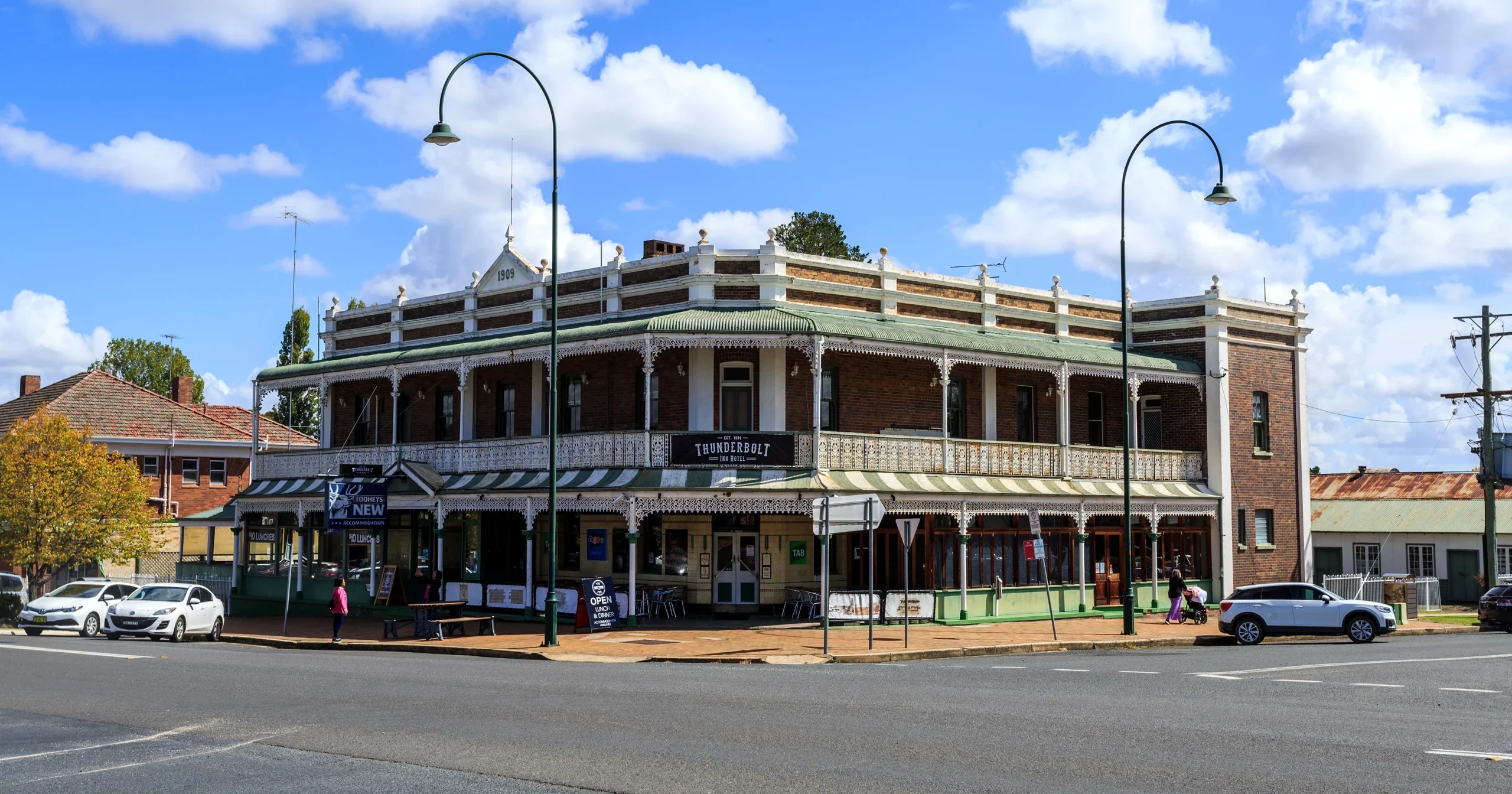
Uralla Shire Council
Building a clearer picture of road condition with AutoPilot.
Built around your operation.
Configuration
Tailor asset types, workflows and reporting to the way your council operates.
Integration
Connect with your existing systems and bring together the data that matters.
Support
Work with a local team experienced in Australian council asset management.
A few practical answers
Questions from
council teams.
Start with the way your council works. We can walk through the details together.
Which council assets can Asset Vision manage?
Councils use Asset Vision for roads, footpaths, drainage, bridges, buildings, parks, trees, playgrounds and other community infrastructure. Asset types, hierarchies and inspection workflows are configured around the assets and services your council manages.
Can field teams work offline?
The Asset Vision mobile app supports offline field work, with information synchronised when connectivity returns. AV Go is a separate browser-based option for defined tasks and community reporting. The right access method depends on the workflow and field conditions.
How does Asset Vision connect with our existing systems?
Integration is scoped around your council’s GIS, finance and other business systems. We work with your team to agree which information needs to move between systems, who owns it and how it will be maintained.
How does it support valuations and long-term planning?
Asset Vision brings asset records, condition, useful life, valuation history and work history together to support reporting and renewal decisions. Strategic scenario modelling can be provided through Modelve where included in the agreed solution.
What does implementation involve?
Implementation starts with your priorities, asset data and current workflows. The scope then covers configuration, data migration, integrations, training and rollout. Timing is agreed with your team and reflects the quality of the source data and the breadth of the solution.
Bring one workflow.
See the connections.
Get a personalised walkthrough of Asset Vision for your council.