
Your asset system can now answer back in Microsoft 365 Copilot
Asset Vision is now available in Microsoft 365 Copilot, giving asset, operations and maintenance teams a faster, conversational way to access the information they need—and, where enabled, move work forward from the same conversation.
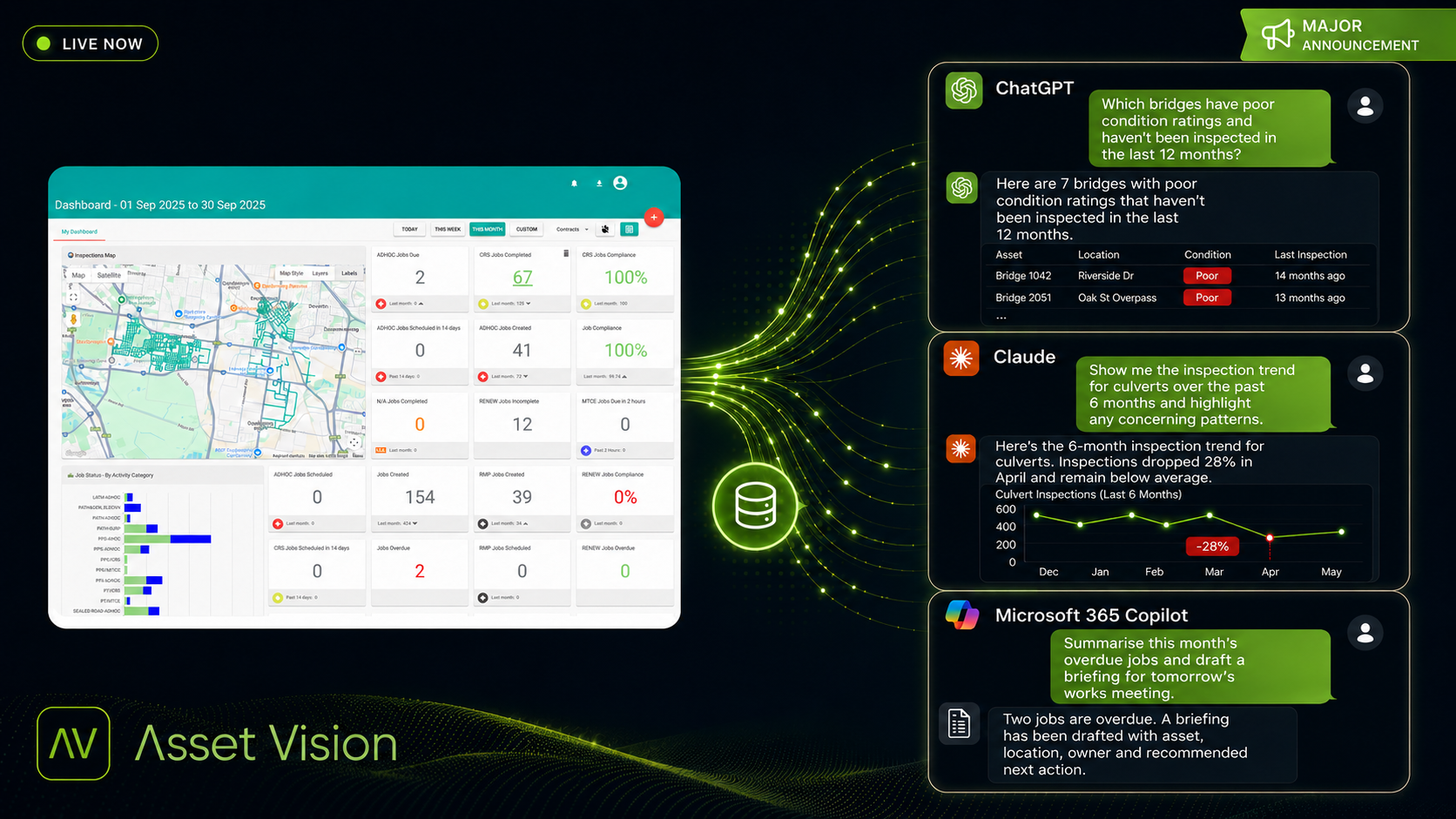
This brings Asset Vision into an AI environment many organisations already use. Instead of moving between screens, running reports or contacting several people to answer a straightforward operational question, authorised users can ask Microsoft 365 Copilot in plain language and receive relevant information from Asset Vision.
It is a practical step forward for councils and infrastructure organisations: making trusted asset information easier to reach, understand and act on in the flow of work.
It’s time to talk to your asset system.
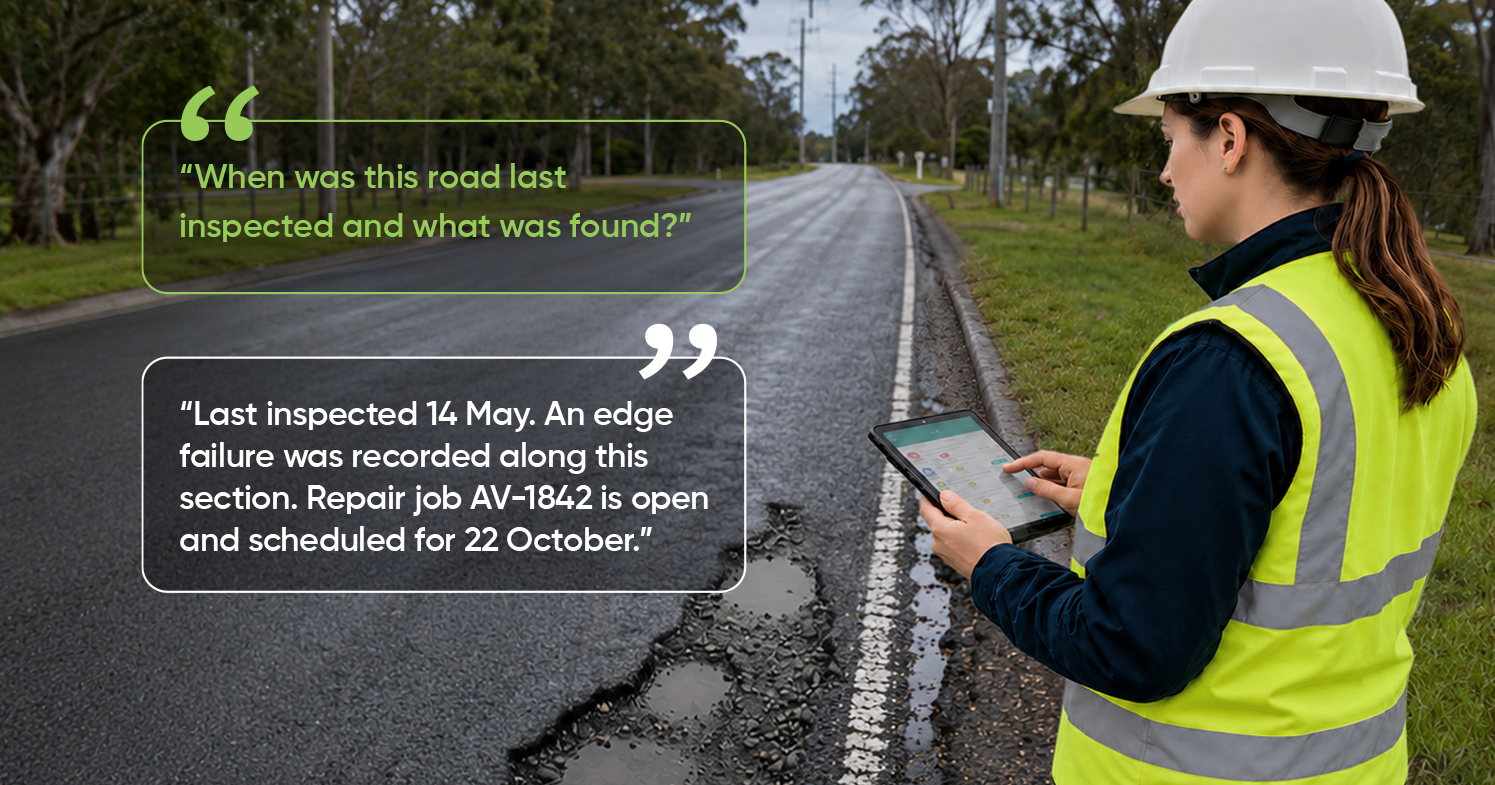
Consider a common question from the field:
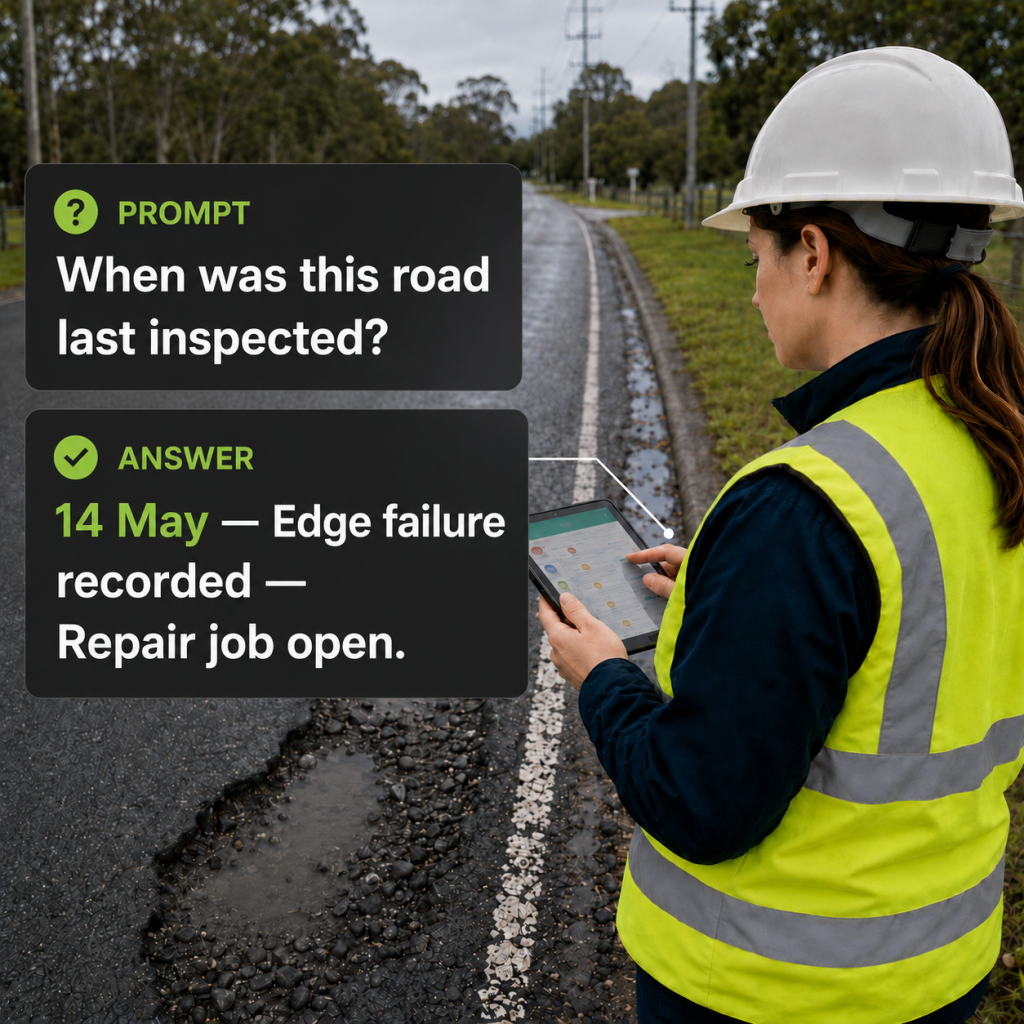
“When was this road last inspected—and what was found?”
Through Asset Vision in Microsoft 365 Copilot, the response can bring together the relevant inspection date, recorded defect and status of associated work without the user having to compile the answer manually.
Teams can ask about assets, jobs, inspections, contracts, capital works and custom modules in plain English. They can also request at-a-glance summaries of open jobs, overdue work, priorities, workloads and schedules.
The benefit is not AI for its own sake. It is a more direct route from an operational question to the information needed to make a decision.
From answers to action
Finding the answer is only part of the story.
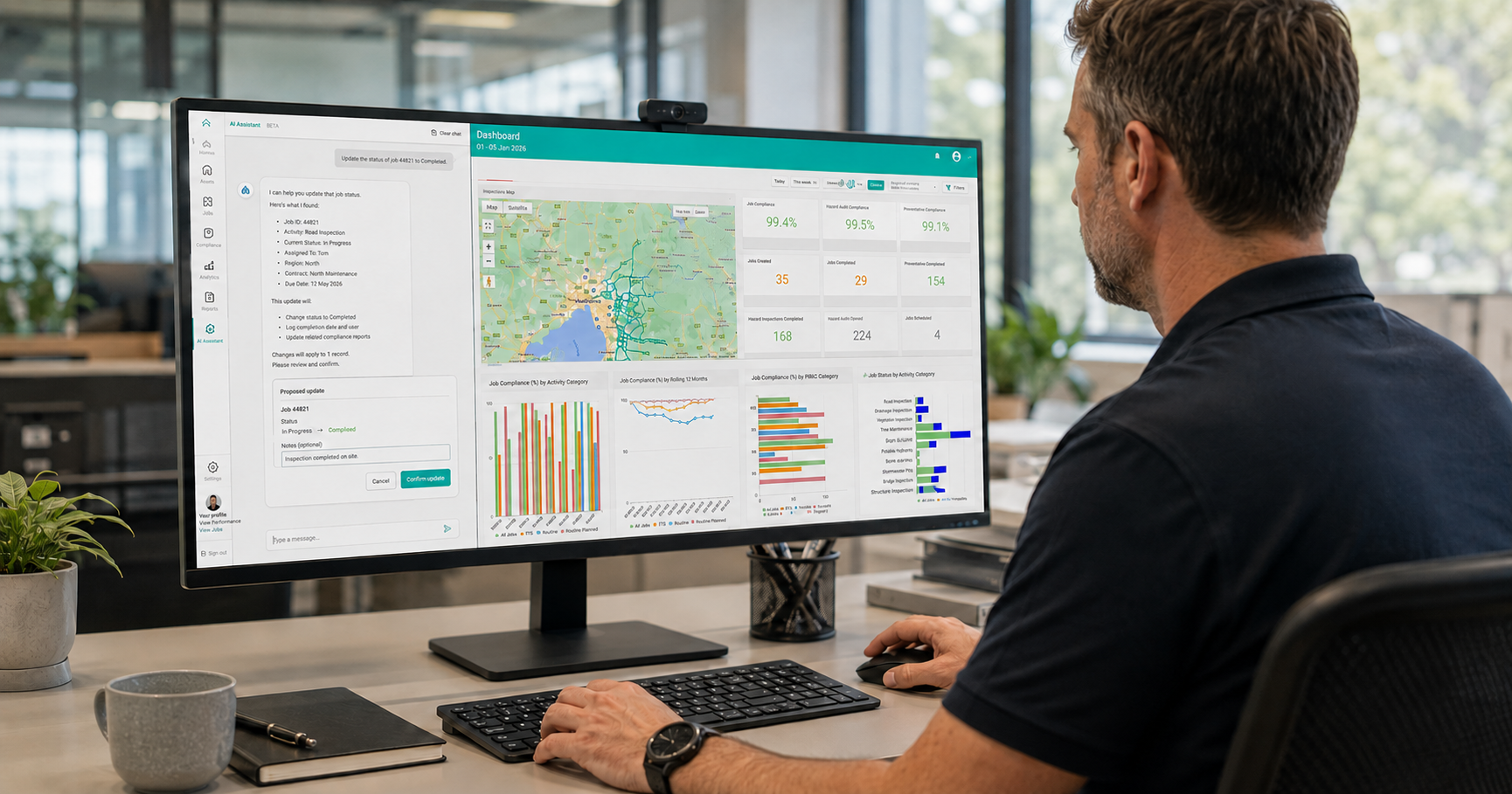
Where the capability is enabled for an organisation, authorised users can also update existing job assignments, scheduling and priority from the conversation. Each proposed change is confirmed with the user before it is applied.
That means a user can move from understanding what has happened to directing what happens next—without creating a disconnected workflow or losing sight of the underlying Asset Vision record.
Asset Vision does not create new jobs through this experience. It works with existing Asset Vision information and, where permitted, allows supported fields on existing work to be updated.
Built around existing access and control
Conversational access does not mean unrestricted access.
Information is scoped to the contracts assigned to each user, and actions remain subject to the organisation’s Asset Vision permissions and controls. This helps teams adopt a more accessible way of working while retaining the governance expected of an enterprise asset management system.
The result is a simple but important change: the asset system becomes something teams can ask, understand and direct through a familiar AI conversation.
Available now through Microsoft Marketplace
Asset Vision for Microsoft 365 Copilot is available now for organisations in Australia. An active Asset Vision account is required, and access and capabilities depend on organisational configuration and permissions.
View Asset Vision in Microsoft Marketplace or contact Asset Vision to discuss access and arrange a demonstration.
Frequently asked questions
What is Asset Vision in Microsoft 365 Copilot?
Asset Vision in Microsoft 365 Copilot gives authorised users a conversational way to access and understand their Asset Vision information. Teams can ask operational questions in plain English and receive relevant information without manually compiling it from multiple records.
What can teams ask about?
Teams can ask about assets, jobs, inspections, contracts, capital works and custom modules. They can also request summaries of open jobs, overdue work, priorities, workloads and schedules.
Does conversational access provide unrestricted access to Asset Vision data?
No. Information remains scoped to the contracts assigned to each user. Access and actions continue to be governed by the organisation’s existing Asset Vision permissions and controls.
Can users take actions through Microsoft 365 Copilot?
Users can request supported actions through the conversation, but those actions remain subject to existing Asset Vision permissions and organisational controls. Microsoft 365 Copilot does not bypass Asset Vision’s established access model.
Do teams need to learn a new interface?
The conversational experience is available through the familiar Microsoft 365 Copilot environment. This gives users a more accessible way to work with Asset Vision information while retaining the governance of an enterprise asset management system.
What is the practical benefit?
The benefit is not AI for its own sake. It is a more direct route from an operational question to the information needed to make a decision—reducing manual searching, compiling and summarising